Claude Code: CLI vs Desktop vs overlay
Updated July 2026 · Disclosure: written by the maker of Sticky for Claude, the overlay in this comparison.
In 2026, "how do you run Claude Code?" has three honest answers, and they're not competitors so much as layers. Here's what each interface is actually best at, and the combinations that work.
The CLI: maximum control
The terminal is Claude Code's native habitat: every flag, every hook, scriptable, SSH-able, tmux-able. If you automate workflows or work on remote machines, nothing replaces it. Its weakness is the window model: a terminal tab is invisible the moment something covers it, and rich output (Markdown, images) is not its strength.
The official Desktop app: comfort for long sessions
Anthropic's desktop app gives Claude Code a real UI: readable formatting, conversation management, first-party polish, free with your subscription. It's the best place for a long, focused session where Claude is your main window. Its limit: it behaves like any app, one window, no always-on-top, gone behind fullscreen.
The overlay: visibility while you work elsewhere
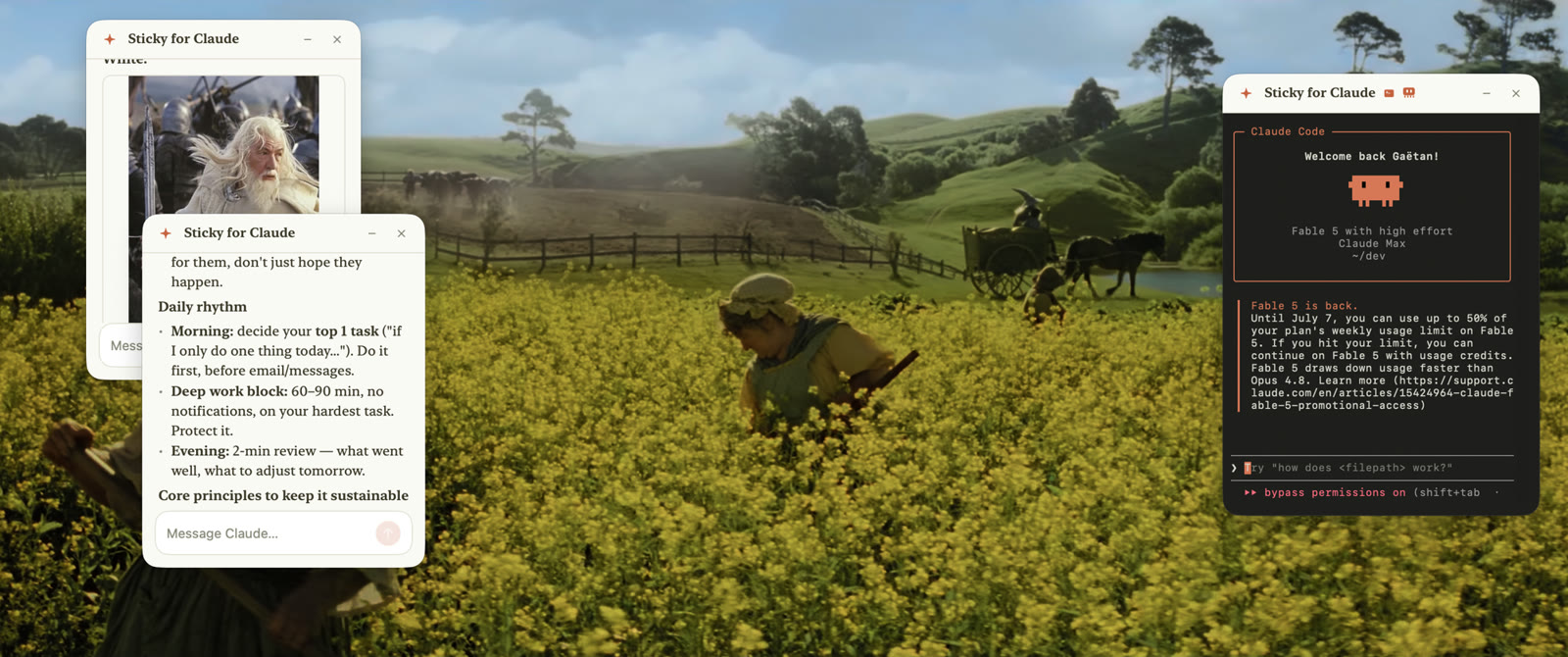
The overlay layer (that's Sticky for Claude) treats Claude Code as a utility rather than a destination: compact floating windows above your real work, even in true fullscreen, one per project, with a real terminal mode when you want the raw CLI floating too. It exists for the hours when your main window is your editor or design tool and Claude Code should be visible without being visited.
When to use which
| Moment | Best interface | Why |
|---|---|---|
| Scripting, hooks, CI, SSH | CLI | Full control, automatable |
| Long dedicated Claude session | Official Desktop app | Comfort, formatting, free |
| Coding in a fullscreen IDE with Claude on the side | Overlay (Sticky for Claude) | Visible without a context switch |
| Several projects in parallel | Overlay | One floating window per repo |
| Quick question mid-task | Overlay chat window | Double-tap ⌘, ask, dismiss |
The realistic setup isn't one of the three: it's the CLI for automation, the desktop app or the CLI for deep sessions, and an overlay for everything you do while the rest of your screen is busy.
Add the overlay layer
7-day free trial · all features · no account, no card · macOS 14+, Apple Silicon
↓ Download Sticky for ClaudeRelated: Best Claude Code GUI in 2026 · Sticky for Claude vs the official desktop app