Multiple Claude windows on your Mac: every way to do it
Updated July 2026 · Disclosure: written by the maker of Sticky for Claude, the comparison is factual anyway
It's one of the most common requests from heavy Claude users: "I want several conversations visible at once, one per project, one for code, one for quick questions." If you've searched for Claude multiple windows, Claude multi-tab, or tried to open the desktop app twice, here's the honest state of your options on macOS in 2026.
Can the official Claude desktop app open multiple windows?
Not side by side. The official Claude desktop app lives in one window: you can switch between conversations, but you can't see two of them at the same time, and there's no "New window" like a browser. Opening the app twice just focuses the existing window. If you want two conversations visible at once, you need one of the approaches below.
Option 1 · Browser tabs and windows (free, works today)
Open claude.ai in several browser windows (not just tabs, tabs hide each other) and arrange them side by side. It works, and it's free.
The limits: each conversation costs you a full browser window with its toolbars; arranging them is manual; nothing stays on top when you click into your editor or document; and everything disappears the moment you enter a fullscreen app. Fine for an occasional second conversation, heavy for a daily workflow.
Option 2 · Split View / window tiling (built into macOS)
macOS window tiling can put the Claude desktop app next to one other app. That gives you exactly one Claude conversation next to one app, not multiple Claude windows, and Claude still occupies half your screen instead of floating over your work.
Option 3 · Sticky for Claude: unlimited independent windows
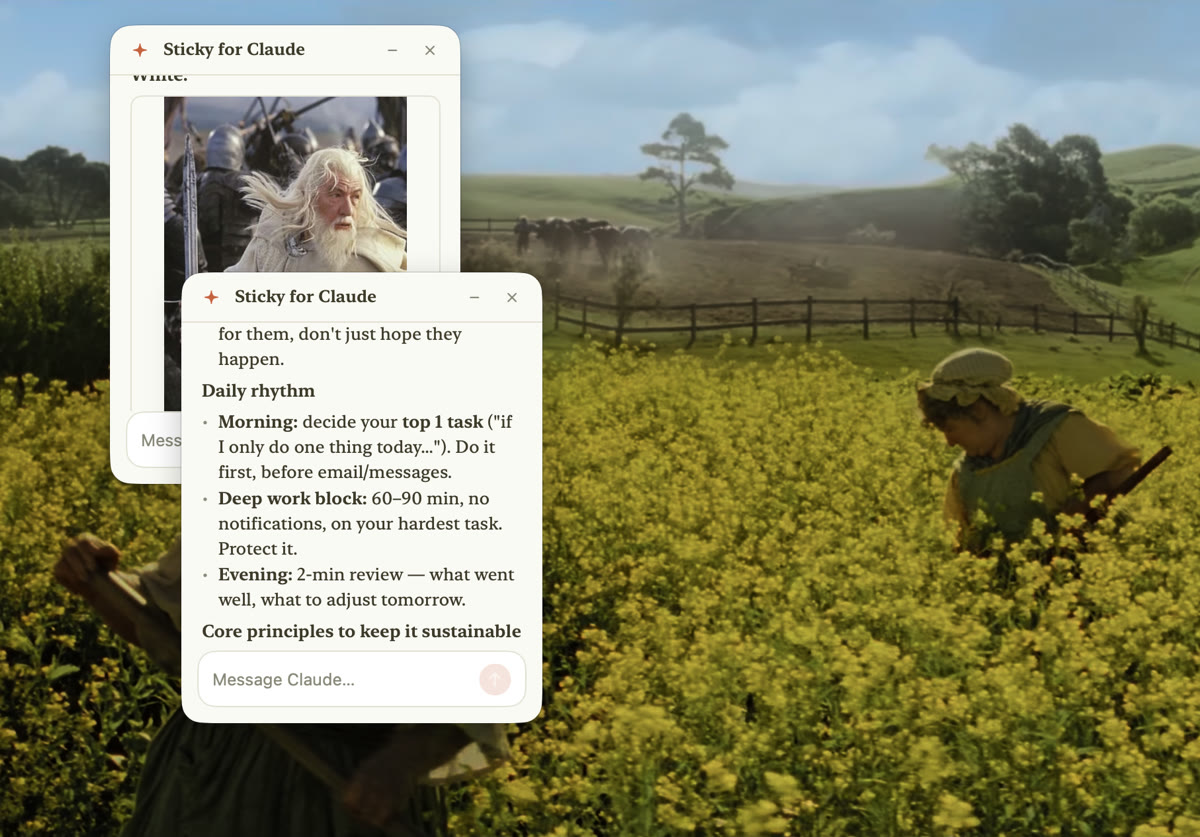
This is the reason Sticky for Claude exists. It's a native macOS app that opens as many Claude windows as you want, real independent windows, each with its own conversation, its own model settings, and its own place on screen. And they float above your work (even true fullscreen, using the same window layer as Spotlight), instead of competing with it for space.
- One window per project, task or topic, every conversation stays visible at the same time
- Each window can be a Claude chat, a full Claude Code session pinned to a project folder (slash commands, tools, permission modes), or a real terminal running the Claude Code CLI
- Windows remember their position; double-tap ⌘ summons or hides them all; they auto-fade when idle
- Runs on your existing Claude subscription (Pro/Max) or API key, no extra account

The options at a glance
| Official desktop app | claude.ai in browser windows | Sticky for Claude | |
|---|---|---|---|
| Several conversations visible at once | No, single window | Yes, one per browser window | Yes, unlimited windows |
| Windows float above your work | No | No | Yes, always on top, even true fullscreen |
| Claude Code sessions per project | One at a time | Chat only | Yes, one pinned session per window |
| Screen footprint | Full window | Full browser windows | Compact sticky notes, auto-fade when idle |
| Price | Free with subscription | Free with subscription | $29 one-time (7-day free trial) |
Open as many Claude windows as you need
7-day free trial · all features · no account, no card · macOS 14+, Apple Silicon
↓ Download Sticky for ClaudeFrequently asked
Can I run multiple Claude Code sessions at the same time?
Yes, that's a core Sticky for Claude use case: one floating window per project folder, each running its own Claude Code session with its own slash commands and permission modes. In terminals you can do the same with tabs or tmux, but they disappear behind fullscreen apps.
Do multiple windows use up more of my Claude subscription?
Each conversation consumes usage when you send messages, exactly like separate conversations on claude.ai. Having windows open costs nothing; you're billed by your own Anthropic plan, not per window.
Does the Claude desktop app have tabs?
It has a conversation list you can switch through, but no tabs or multiple windows you can view simultaneously. To see two conversations at once you need browser windows or Sticky for Claude.
Related: How to keep Claude always on top on macOS · Sticky for Claude vs the official desktop app